My Proxima is not an application that you download from a store. This web portal, published by Tutelle Au Quotidien and accessible via monproxima.fr, allows protected adults and their relatives to consult the information provided by the judicial representative for the protection of adults (MJPM). The confusion surrounding the term “download” exposes users to real risks: fake sites, malicious files, and the collection of sensitive data under the guise of a non-existent application.
Phishing and fake files: the real traps around the name Proxima
Typing “download My Proxima” into a search engine can lead to pages that mimic the interface of the official portal. These sites exploit the lack of understanding of how the service actually works to offer an .exe or .apk file to install.
The risk is amplified by the nature of the data involved. A My Proxima space contains financial, legal, and sometimes medical information. No installation file is distributed by the publisher: any page offering one is fraudulent.
To protect yourself, the most reliable verification remains the URL displayed in the browser’s address bar. Only monproxima.fr, with a valid HTTPS certificate, corresponds to the legitimate service. Before entering an identifier, it is possible to download the My Proxima application for your guardianship by following the documented procedure, which consists of a browser login and not an installation.
Logging into My Proxima under guardianship: what the representative controls
Access to My Proxima entirely depends on the judicial representative or the guardianship service managing the protection measure. They are the ones who open the digital file and provide the login credentials to the protected adult or their authorized relatives.
Access rights are differentiated according to users. The representative decides which information is visible to the protected adult and which is visible to a family member. A relative does not automatically gain access: the representative can refuse it if they believe it does not serve the interest of the protected person.
This architecture has a direct consequence on security. Unlike a traditional application where the user creates their own account, here the entire consultation perimeter is managed by a professional subject to legal obligations. The protected adult or family caregiver cannot modify the accounting or perform banking operations from My Proxima.
What to do if the representative does not provide the credentials
The law recognizes the protected adult’s right to access information concerning them. If the representative delays or refuses without justification, the first step is to submit a written request (letter or email with acknowledgment of receipt). In the absence of a response, the guardianship judge can be contacted for arbitration.
Some guardianship services manage several hundred measures. Response times do not always indicate a refusal, but sometimes a workload. Following up in writing remains the most effective method to obtain a traceable response.
Security of financial data on a SaaS platform under guardianship
My Proxima operates as SaaS (Software as a Service). Data is not stored on the user’s device but on remote servers. The publisher announces hosting in France, regular backups, and a business continuity plan.
These elements are relevant for a service that handles financial and legal data. However, they do not replace the verification of concrete measures on the user side:
- Use a unique password for My Proxima, distinct from those used on other sites, and change it if the representative sends a temporary password via unencrypted email
- Never access the portal from a public Wi-Fi network (library, train station, shopping center) without a VPN, as credentials can be intercepted
- Check that the browser used is up to date: security patches close vulnerabilities actively exploited by malware
- On a shared device (tablet in a nursing home, family computer), always log out after each session and do not save the password in the browser
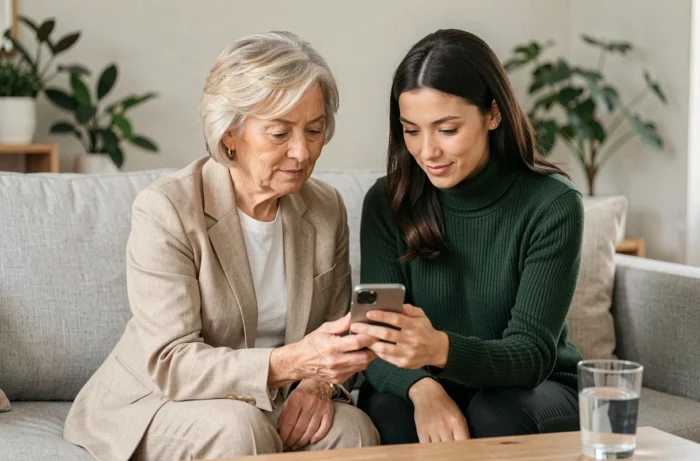
My Proxima on tablet or computer: setting up access suitable for seniors
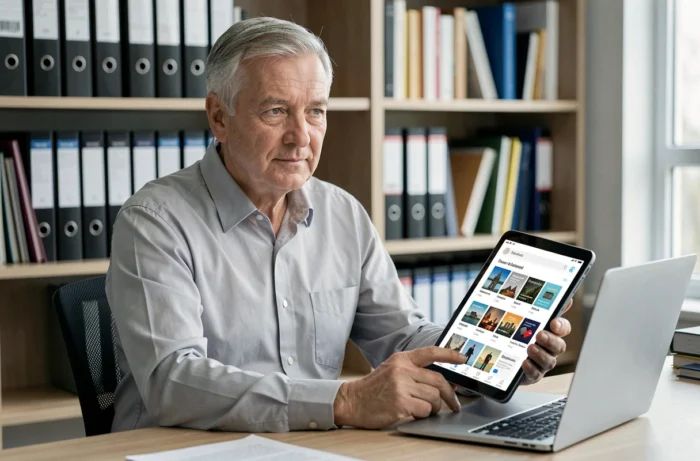
My Proxima is accessible from any web browser, making it compatible with a computer, tablet, or smartphone. For a protected adult who is not very familiar with digital technology, the tablet often offers the best compromise between screen size and ease of use.
Creating a shortcut on the tablet’s home screen to monproxima.fr avoids going through a search engine every time you connect, which reduces the risk of clicking on a fraudulent link. On both Android and iOS, this can be done from the browser menu (option “Add to home screen”).
Adapting the device to the user’s profile
For a person under guardianship with cognitive impairments, the caregiver can configure the browser in simplified mode: removing unnecessary favorites, enabling default zoom, disabling intrusive notifications. The goal is to reduce the number of clicks between the home screen and the login page.
If the caregiver manages the consultation on behalf of the protected adult, they must document this practice with the representative. The legal framework of guardianship requires that all actions be carried out in the exclusive interest of the protected person, including the digital consultation of their accounts.
Known limitations of My Proxima for monitoring a protection measure
My Proxima is a consultation space, not a management tool. The protected adult or caregiver finds the information entered by the representative there, but cannot correct an accounting error, initiate a transfer, or modify a document. Any request for correction goes through the representative.
Field feedback varies on the responsiveness of data updates. Some representatives update the portal in real-time, while others do so with several weeks of delay. The portal does not replace direct communication with the representative for urgent matters (unpaid invoice, tax deadline).
The only reliable procedure to access My Proxima remains direct login via monproxima.fr, after obtaining the credentials from the representative. Any other method, whether it is a link received via SMS or a file offered for download, should be considered suspicious until verified.